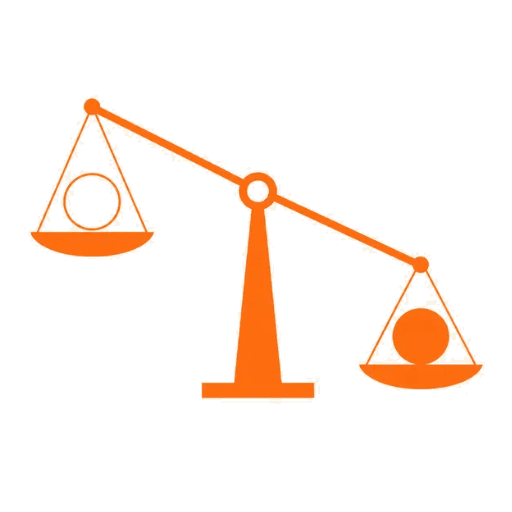
Perceptual mass
Scores how heavy each mark feels — so thin outlines and dense fills land at the same visual weight, not the same box size.
ImageBalancer
Balance logo clouds by visual weight — perceptual science, not bounding boxes. Free in your browser, no signup.
Drop images here or click to upload
PNG, JPG, WebP, GIF — up to 10 more in this batch
Free tier: full Smart Image Balancer preview for up to 10 images. Advanced tuning and export require Pro.
Under the hood
ImageBalancer measures what your eye actually sees: mass, light, edges, and empty space. Here's what that unlocks.
Scores how heavy each mark feels — so thin outlines and dense fills land at the same visual weight, not the same box size.
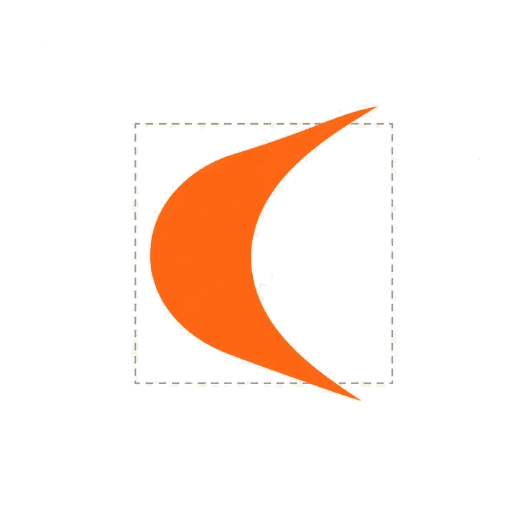
Places logos by visual center of mass, with subtle overshoot past the bounding box on pointed or curved edges so shapes feel correctly sized.
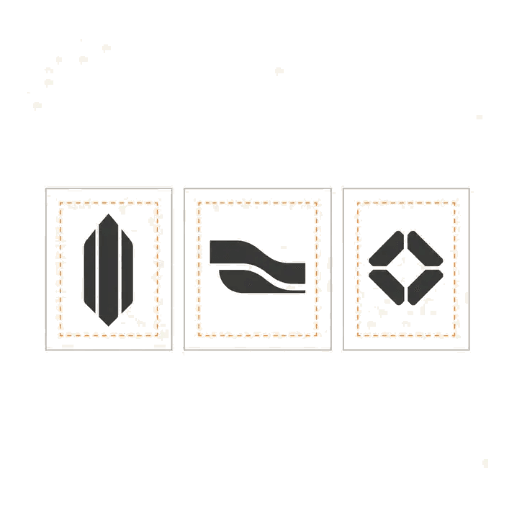
Trims uneven margins and applies consistent breathing room across every tile in the batch.
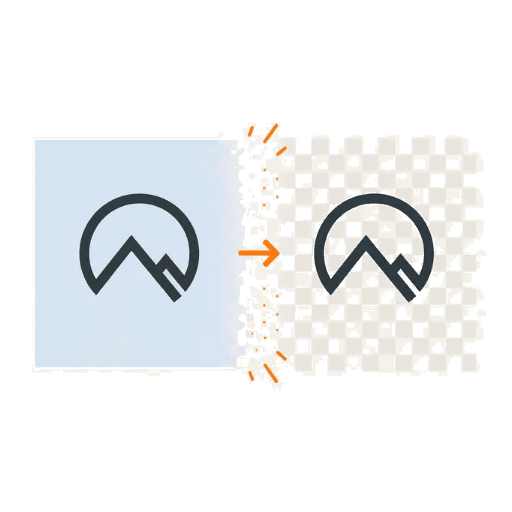
Removes white padding and solid backdrops so mass and bounds are measured on the mark itself — not leftover canvas.

Reads how sparse a shape is inside its envelope, and weights darker pixels more than light ones — outlines and solids are treated differently.
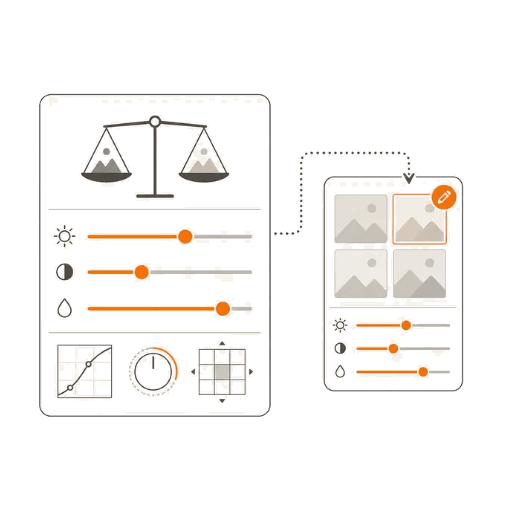
Tune mass, envelope, luminance, and more for the whole batch — or override any setting per image when one logo needs special treatment.
Pricing
| Compare plans | Free | Pro |
|---|---|---|
| Images per batch | 10 | 35 |
| Runs 100% in your browser | Included | Included |
| Live batch preview | Included | Included |
| Smart Image Balancer | Included | Included |
| Pixel mass analysis | Included | Included |
| Exponential strength curve | Included | Included |
| Envelope-aware weighting | Included | Full control — dial in on Pro |
| Luminance-weighted mass | Included | Full control — dial in on Pro |
| Optical centering | Included | Full control — dial in on Pro |
| Alpha-aware pixel filtering | Included | Full control — dial in on Pro |
| White padding & background removal | Included | Full control — dial in on Pro |
| Per-image fine-tuning | Not included | Included |
| PNG export | Not included | Included |
| ZIP batch export | Not included | Included |
| Custom output sizes | Not included | Included |
| Custom aspect ratios | Not included | Included |
| Custom backgrounds | Not included | Included |
| Uniform padding controls | Not included | Included |
included on free·full control on Pro
No. The free tier works instantly in your browser with no login. Sign in only if you want premium features.
No. All processing happens locally in your browser. Your images never leave your device.
Instead of fitting images to the same bounding box, we analyze pixel density and alpha data to calculate how heavy each asset looks visually, then scale them so they appear equal in weight.
PNG, JPG, WebP, and GIF. Output is PNG with optional transparent or white backgrounds.
Free users can preview up to 10 images per batch with the full Smart Image Balancer. Pro users can process up to 35 and download the results.
The free tier includes the full balancing preview so you can see exactly how your grid will look. Download, ZIP export, and advanced engine tuning require Pro.
Both include the same Pro features. Monthly is $9/mo and can be cancelled anytime. Lifetime is a one-time $59 payment for permanent Pro access.
Start with the free preview — no signup required. Upgrade to Pro ($9/mo) when you need to export.
Open the tool